
Reference

The vc8myr App — Your Lobby on Every Screen

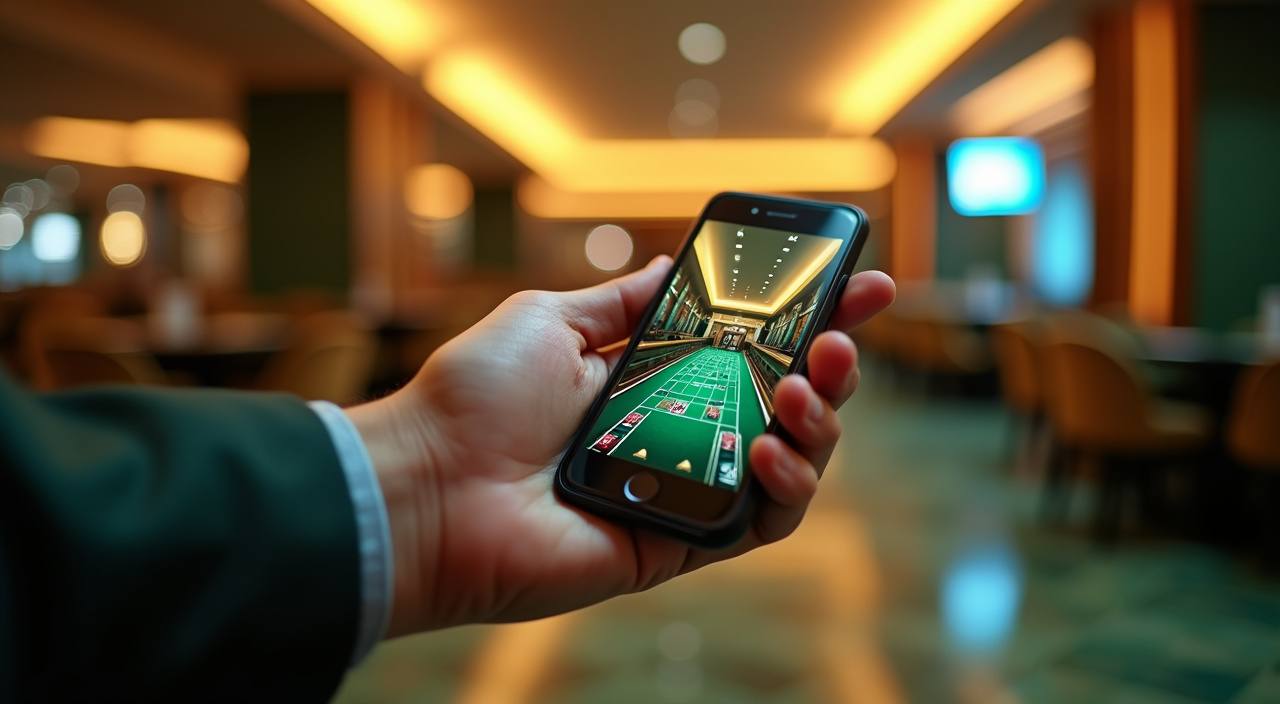
The vc8myr mobile experience brings live tables, slots and crash games to your phone browser without needing a separate download — open the site, sign in, and the lobby reshapes itself around your screen.

Mobile browser readyLobby adapts to your screenAccount access on any deviceApp availability — check the siteSupported where local law permits
vc8myr The vc8myr App — Your Lobby on Every Screen

Which Devices and Browsers Work with vc8myr

The mobile lobby is built on a responsive layout, so most modern smartphones handle it without special configuration. The checklist below covers what matters for a smooth session — browser version, screen layout and account setup — rather than specific OS version numbers we cannot verify for every handset.

Browser — Chrome or SafariCurrent versions of Chrome on Android and Safari on iOS are fully supported. Other browsers may work but are not specifically tested — if the layout breaks, switch to Chrome or Safari first.
Screen layout — portrait and landscapeThe lobby adjusts between portrait and landscape without needing a manual refresh. Live Baccarat tables and Spinning Top Slots both use the wider landscape view when you rotate your phone.
Account requirementsYou need an active vc8myr account with a verified e-wallet or bank link to access real-money rooms. Browse-only mode lets you view game tiles before signing in.
Native app availabilityA dedicated Android or iOS build may be offered alongside the browser lobby. Check the download section inside your account area for the current status — we do not publish app-store links until a version is fully tested.
Connection qualityLive table streams from Evolution and PG Soft need a stable data connection. The offline lobby preview loads on slower connections, but a live room requires at least a reasonable 4G signal to stream without interruption.
vc8myr Slots, Live Tables and a Betslip in Your Pocket

Slots, Live Tables and a Betslip in Your Pocket

From Durian King Slots to Live Baccarat dealt by Evolution studios, the mobile lobby keeps the same catalogue you see on desktop — nothing is stripped out for smaller screens. Quick account top-up sits one tap away from your session, so you can fund your wallet and get back to Lightning Crash Game without switching apps. Push alerts let you know when

your favourite table has an open seat or when a new slot room from Pragmatic Play lands in the lobby. Fingerprint login means you skip the password step entirely on supported Android and iOS devices, keeping the session start crisp and secure.

Four Things the Mobile Experience Does Well

The vc8myr mobile lobby is shaped around how Malaysian accounts actually behave on a phone — short sessions, quick top-ups and the need to switch between a slots run and a live table without friction. These four features are where most regular account holders notice the difference.

Fingerprint Login

Skip typing your password every session. On Android and iOS devices that support biometric authentication, one fingerprint press opens your account and lands you in the lobby.

Push Notifications

Opt in to alerts and we will ping your phone when a new game room opens, a live table seat frees up, or a promotion is running on the account board this week.

Dark Mode Display

The mobile interface follows your device's system display setting. Switch to dark mode on your phone and the lobby adjusts automatically — easier on the eyes for late-night sessions.

Offline Lobby Preview

Browse the lobby game tiles and check your account wallet balance even with a weak connection. The preview loads cached room data so you can plan your next session before the signal comes back.

vc8myr Mobile Access in 3 Steps — No App Store Needed

Mobile Access in 3 Steps — No App Store Needed

Getting the mobile lobby running is a straightforward browser process. Start by opening vc8myr in your phone's browser — Chrome on Android or Safari on iOS both render the lobby at full resolution. Once the page loads, check that your browser is current; an outdated version may clip the live table stream or misalign the betslip. After that, sign in with your

existing account credentials or use fingerprint authentication if your device supports it, and the full lobby — from Fisherman Boat Slots to live roulette rooms — is available immediately. Players in Ipoh and elsewhere across Malaysia reach the lobby this way without any additional file transfer.

  • Step 1 — Open the site — Navigate to vc8myr directly in Chrome or Safari. No redirect or app store visit is required.
  • Step 2 — Check browser compatibility — Confirm your mobile browser is up to date. The live table stream and crash game multiplier display need a current browser engine to render correctly.
  • Step 3 — Sign in securely — Enter your account credentials or authenticate with your fingerprint if enabled. The lobby loads at your last-viewed section.
  • Step 4 — Verify app availability — Check the account download section on the site to see if a native build is currently available for your device. We keep that page updated as releases happen.

Common Questions About the vc8myr Mobile App

These are the questions our account holders ask most often about accessing vc8myr on a phone. If your question is not here, reach out via the live chat channel inside your account.

No download is required. The full lobby — slots, live tables, crash games — runs in your mobile browser. Check your account area to see if a native app build is also currently available.

Yes. Every game room, including Durian King Slots and live baccarat tables, is accessible on mobile. The layout adjusts to your screen size but nothing is removed from the catalogue.

Go to account security settings after signing in. Toggle biometric authentication on and follow the on-screen confirmation. Your device must support fingerprint or face recognition for the option to appear.

Yes. The account wallet screen on mobile shows the same funding options as desktop, including Touch 'n Go eWallet, Boost and GrabPay, where available in your region and where local law permits.

Live streams from studios like Evolution need a steady connection. Switch from 3G to 4G or Wi-Fi, and make sure your Chrome or Safari browser is the current version — older engines drop frames on HD streams.

We update the download section inside your account area whenever a new build is released. That page shows the current version status and any device requirements — do not download files from sources other than that section.
Reference

vc8myr App

Service availability depends on eligible regions and local law. Users should check local rules before opening an account.

Access may be available only where local law permits.